
Searching Items
factoryuse.com E-Shop Item Search Guide — 4 methods explained
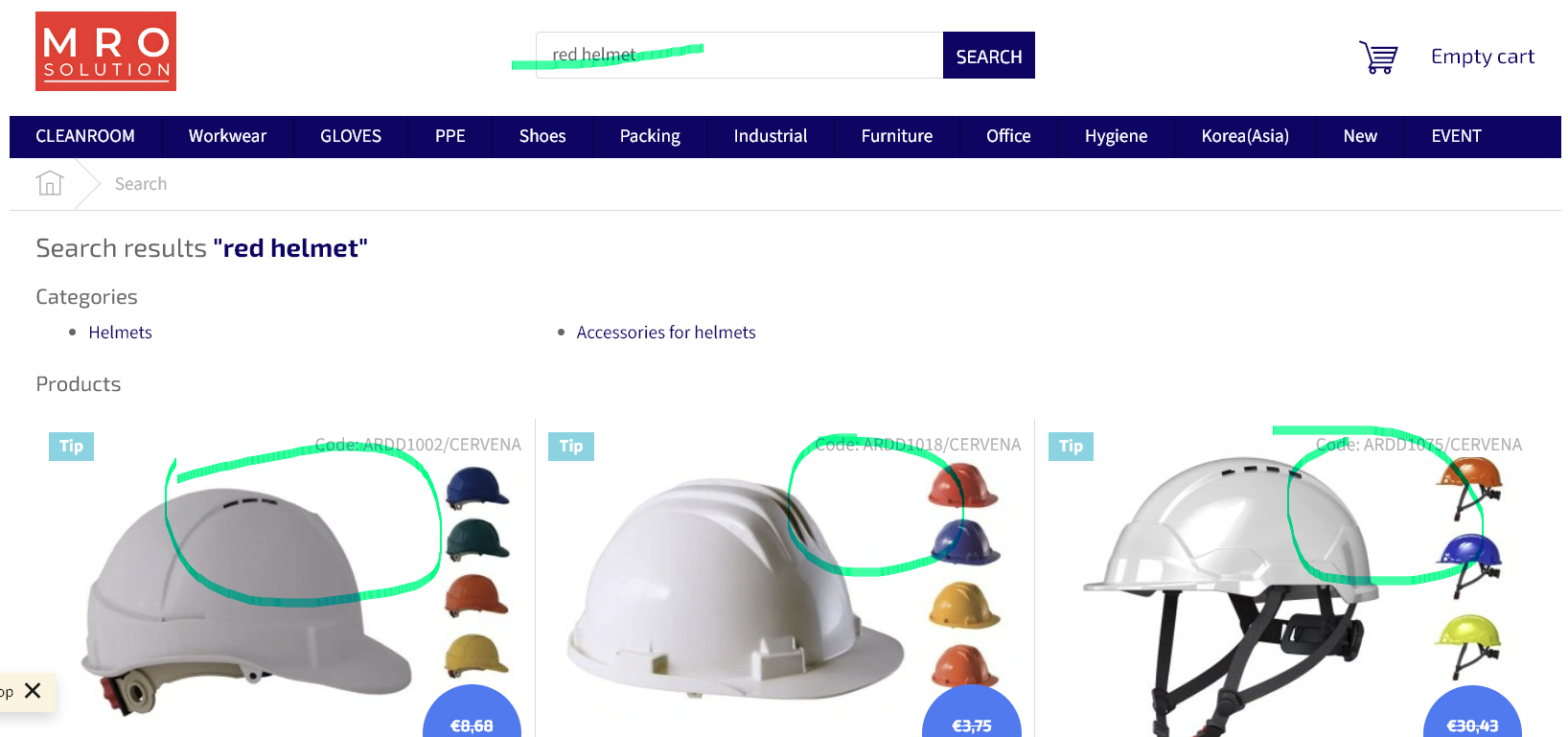
Looking for a specific product? Here are three ways to find what you need — using a red helmet as an example.
1
Text search
Type a product name or keyword directly into the search bar.
2
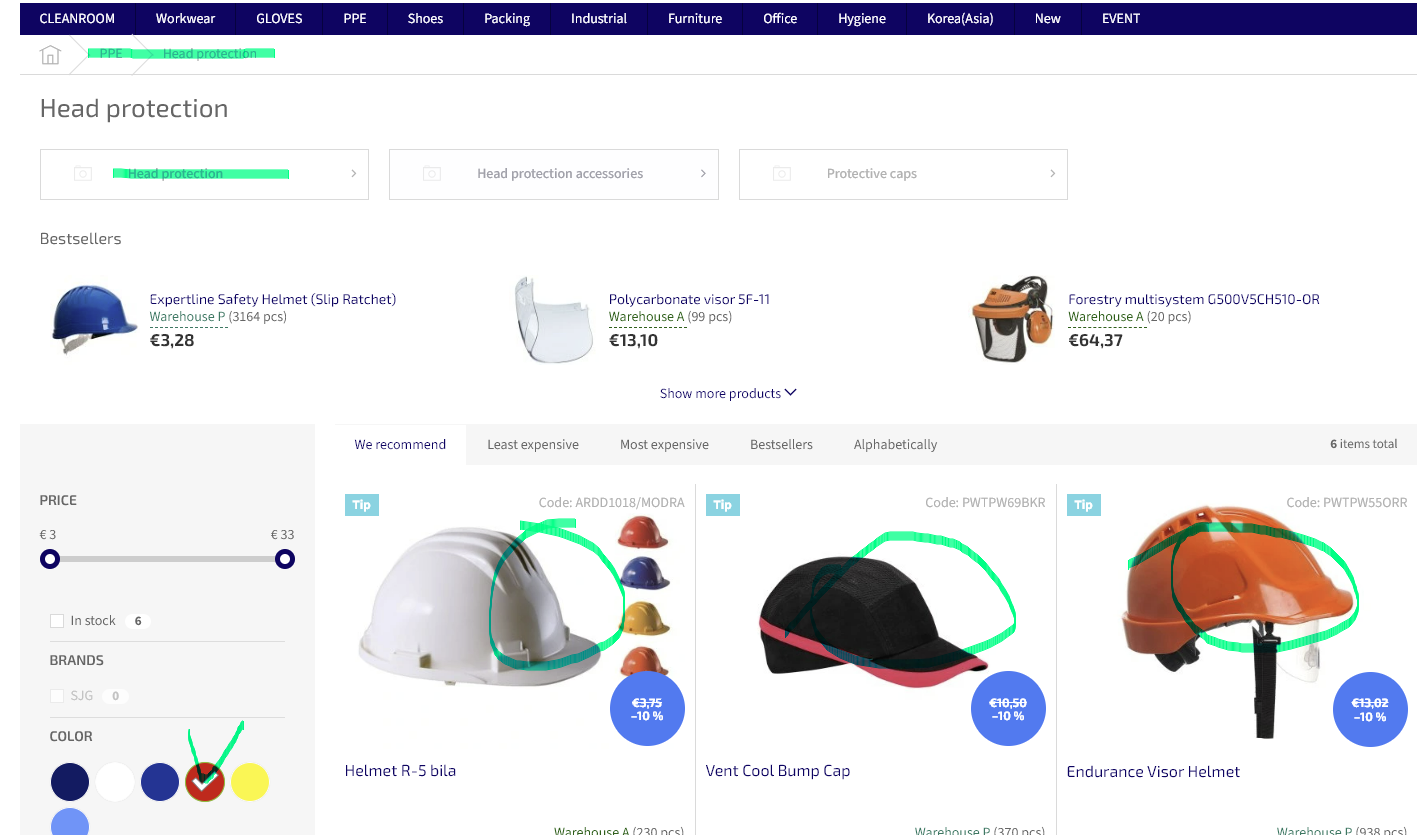
Browse by category with sorting
Navigate through the category menu and use the sorting options to narrow down results.
3
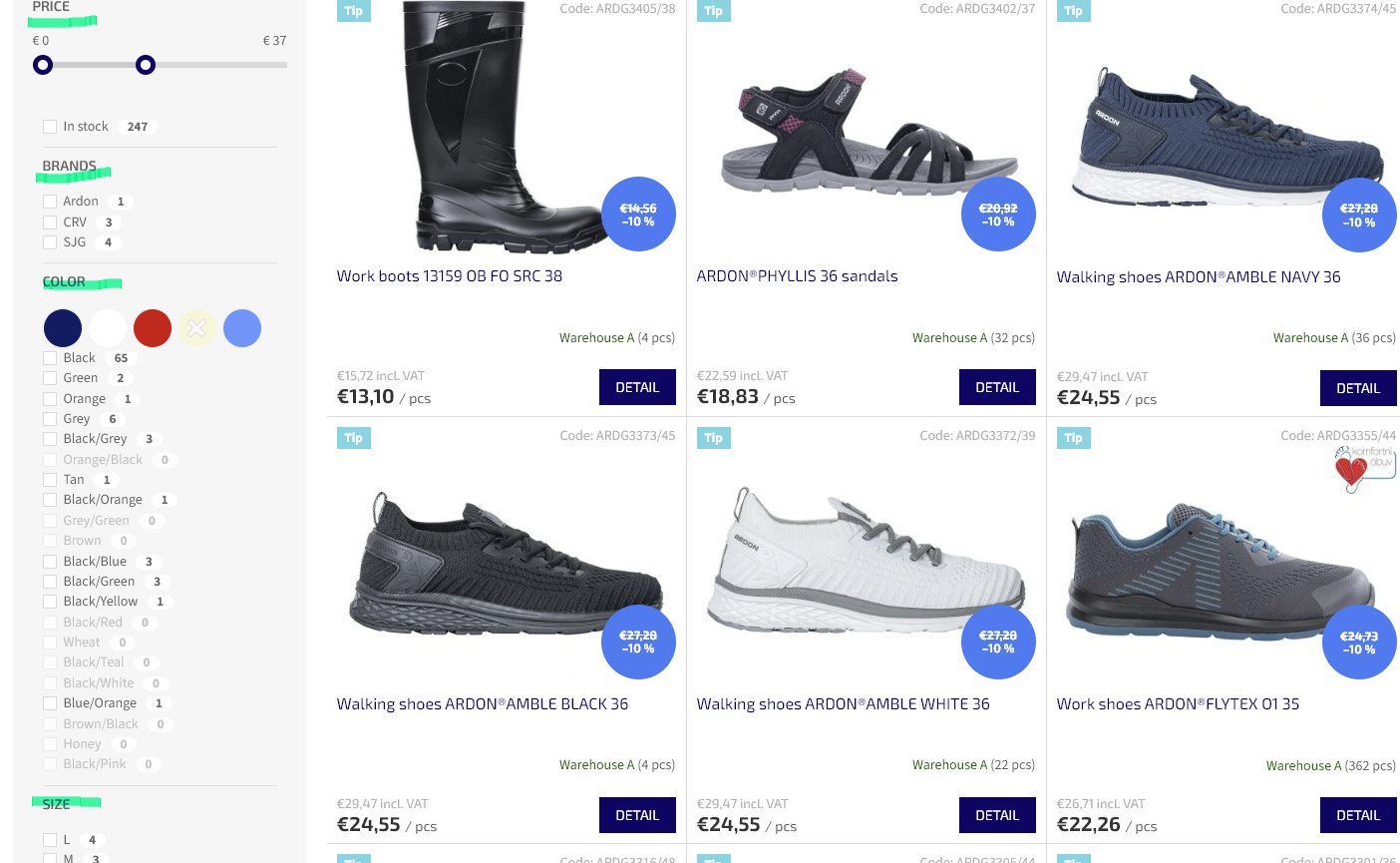
Apply filters
Set conditions such as colour, size, or brand to display only the items that match.
Still can't find what you need?
Try combining all three methods above and search again.
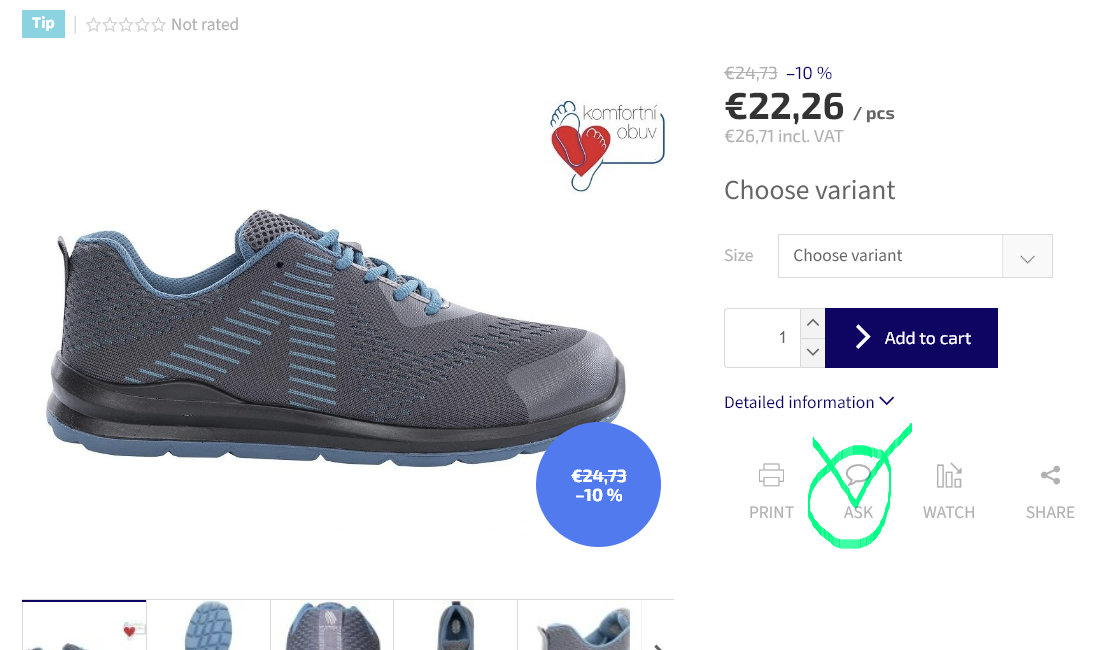
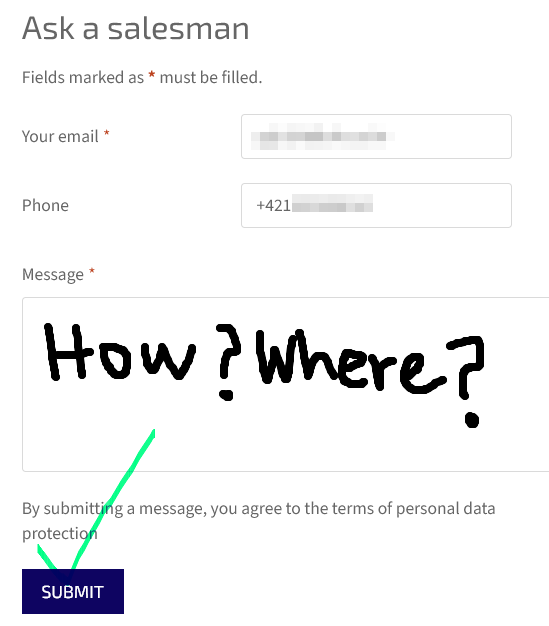
If the item still doesn't appear, please reach out via the contact form or get in touch directly.
If the item still doesn't appear, please reach out via the contact form or get in touch directly.
factoryuse.com E-Shop 제품 검색 가이드 — 4단계 방법 안내
factoryuse.com E-Shop 제품 검색 가이드 — 4단계 방법 안내
====================================================================================================================================
찾고 싶은 제품이 있을 때 아래 3가지 방법을 활용하세요. 빨간 헬멧을 예시로 설명합니다.
1
텍스트 검색 사용하기
검색창에 제품명 또는 키워드를 직접 입력합니다.
2
카테고리 탐색 + 정렬
카테고리 메뉴를 통해 분류별로 탐색하고 정렬 기능을 활용합니다.
3
필터링 조건 적용
조건(색상, 규격, 브랜드 등)을 설정해 원하는 제품만 골라볼 수 있습니다.
여전히 찾기 어렵다면?
위 3가지 방법을 조합해서 다시 시도해 보세요.
그래도 찾을 수 없다면 아래 문의 양식을 사용하거나 직접 연락해 주세요.
그래도 찾을 수 없다면 아래 문의 양식을 사용하거나 직접 연락해 주세요.